Free planning tools

Free Party Planning Tools

Work out the bar, lay out the room, see our tables in your space, and design your balloons and photo booth print. Each takes a few minutes and costs nothing.

01For the barFree

Bar Calculator

Know exactly what to buy.

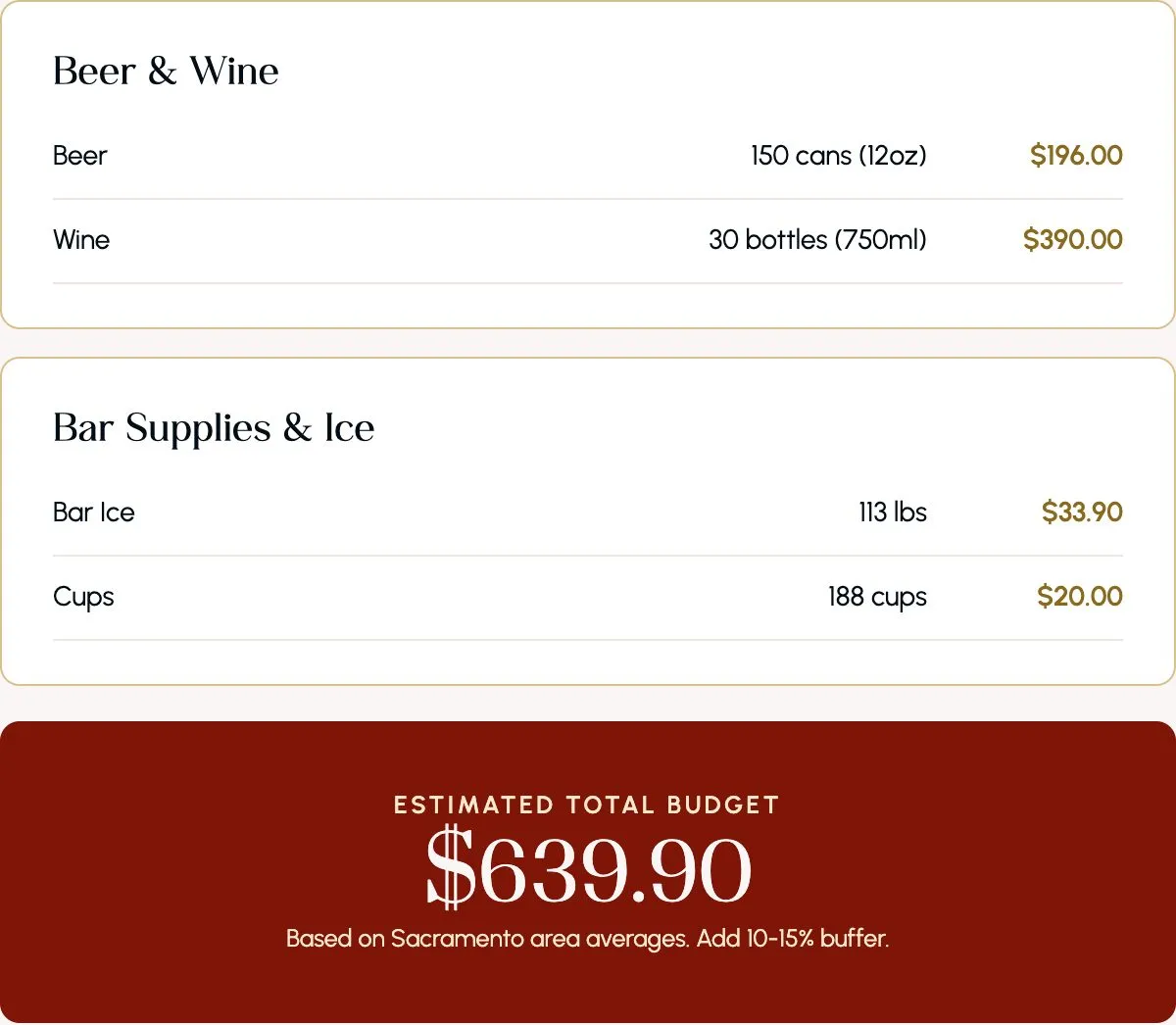
Sample bar shopping list from the Bar Calculator: beer, wine, bar ice and cups, each with its amount and store cost, and the estimated total
A sample list: 75 guests, 4 hours, beer and wine, with the ice, the cups and what it all costs at the store.

It works out how much beer, wine, spirits and mixers your party needs, with cocktail and mocktail recipes and one shopping list.

When to use it

Once you know your guest count, before you shop. You buy enough without buying twice as much.

How it works

  1. Enter how many guests drink and how long the bar runs.
  2. Pick how much your crowd drinks and the mix of beer, wine, spirits and cocktails.
  3. Get your shopping list, with quantities and recipes.

What it asks: Your city (or your name and date if you've booked with us), then your email. We email you the list.

Open the Bar Calculator
02For the roomFree

Floor Plan Creator

See where everything goes.

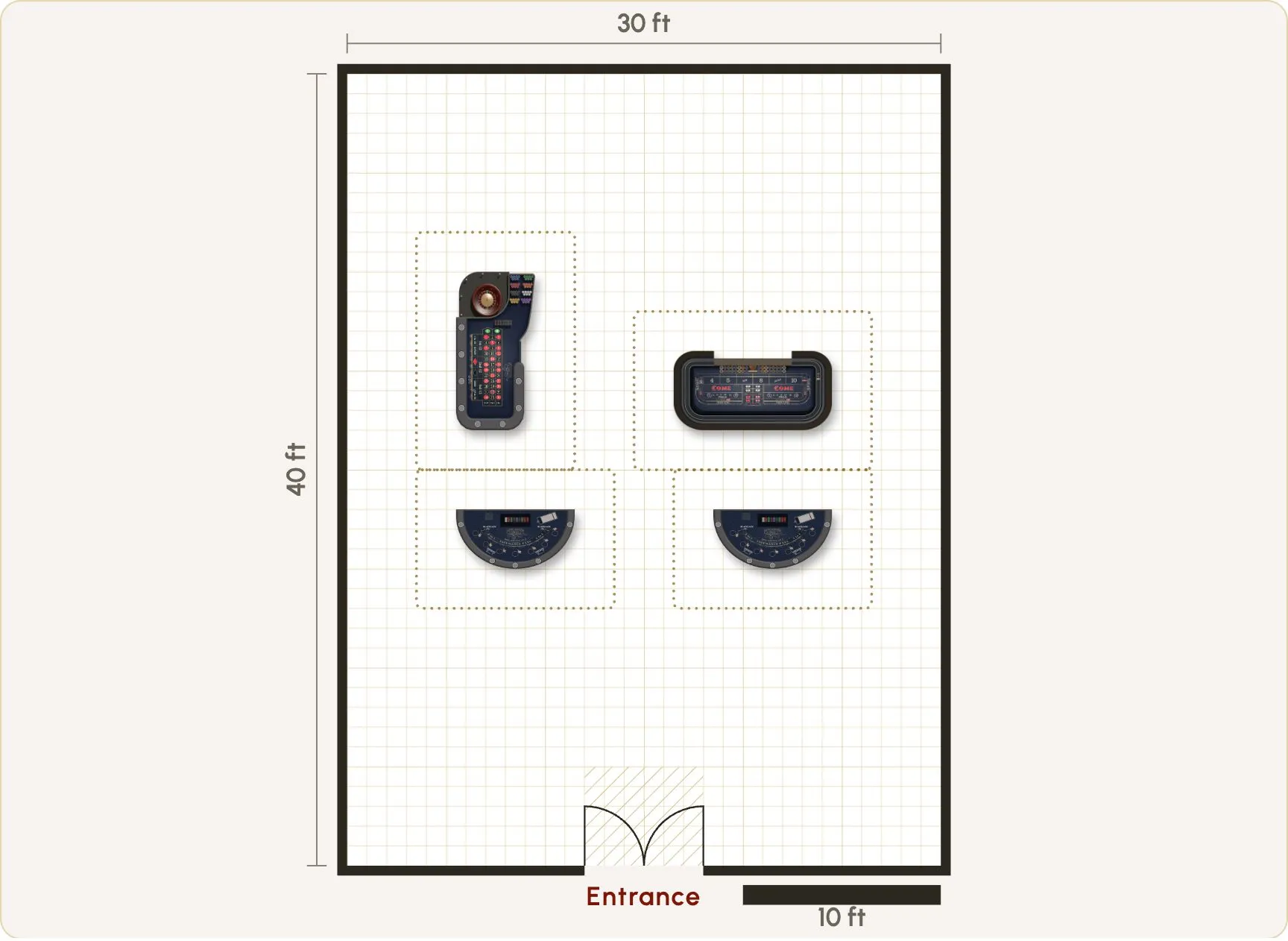
Sample floor plan from the Floor Plan Creator: a 30 by 40 foot room with casino tables placed to scale and the entrance marked
A sample plan: a 30 by 40 foot room with four of our tables, to scale.

It lays out your room with Spark's tables, then lets you drag, turn and add pieces until the plan works.

When to use it

Once you have a venue, before you decide how many tables to book.

How it works

  1. Tell us how big your room is.
  2. Tell us what you're bringing.
  3. Move anything until it's right.

What it asks: Nothing to start, and it saves on your device as you go. Your email only when you print it, share it or send it for a quote.

Open the Floor Plan Creator
03For your spaceFree

Tables in Your Room

Our tables, on your floor, at their real size.

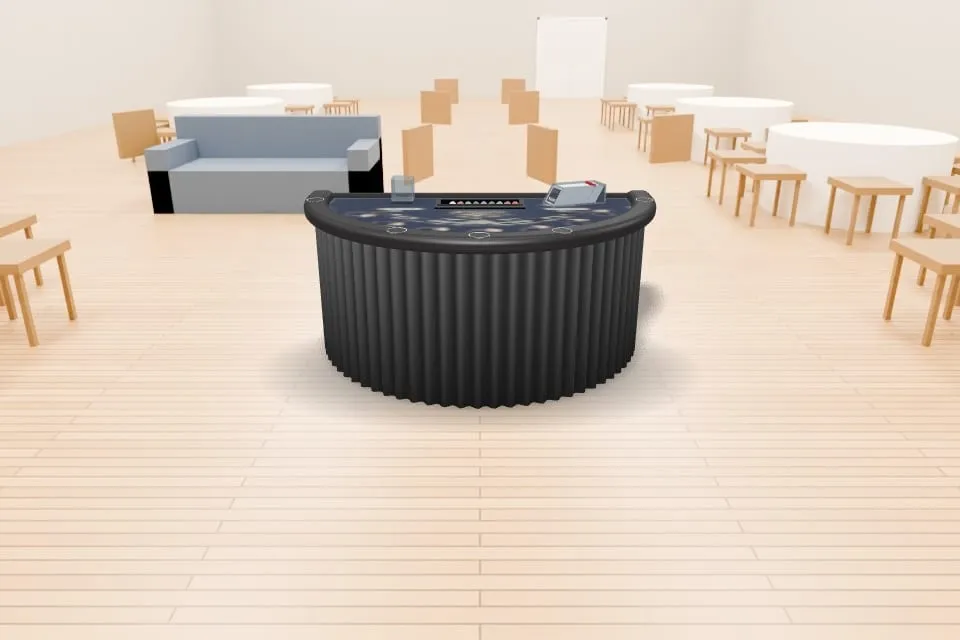
Spark blackjack table standing at real size in a sample banquet hall, placed with the Tables in Your Room tool
A sample room: our blackjack table at real size, placed by marking the door.

Your phone's camera puts a Spark blackjack, roulette, craps or Texas Hold'em table in your room at its real size. No camera handy? Use a photo of the room instead.

When to use it

When you're choosing a venue, or wondering whether a table fits by the bar or the dance floor.

How it works

  1. Open it on your phone. On a computer, turn the table in 3D, scan the code to move it to your phone, or use a photo of your room.
  2. Pick a table.
  3. Point your phone at the floor, or mark the door in your photo, then move the table where it goes.

What it asks: Nothing. No email, and nothing you see leaves your device, your photo included.

See Our Tables in Your Room
04For the backdropFree

Balloon Builder

Design your balloons and watch them build.

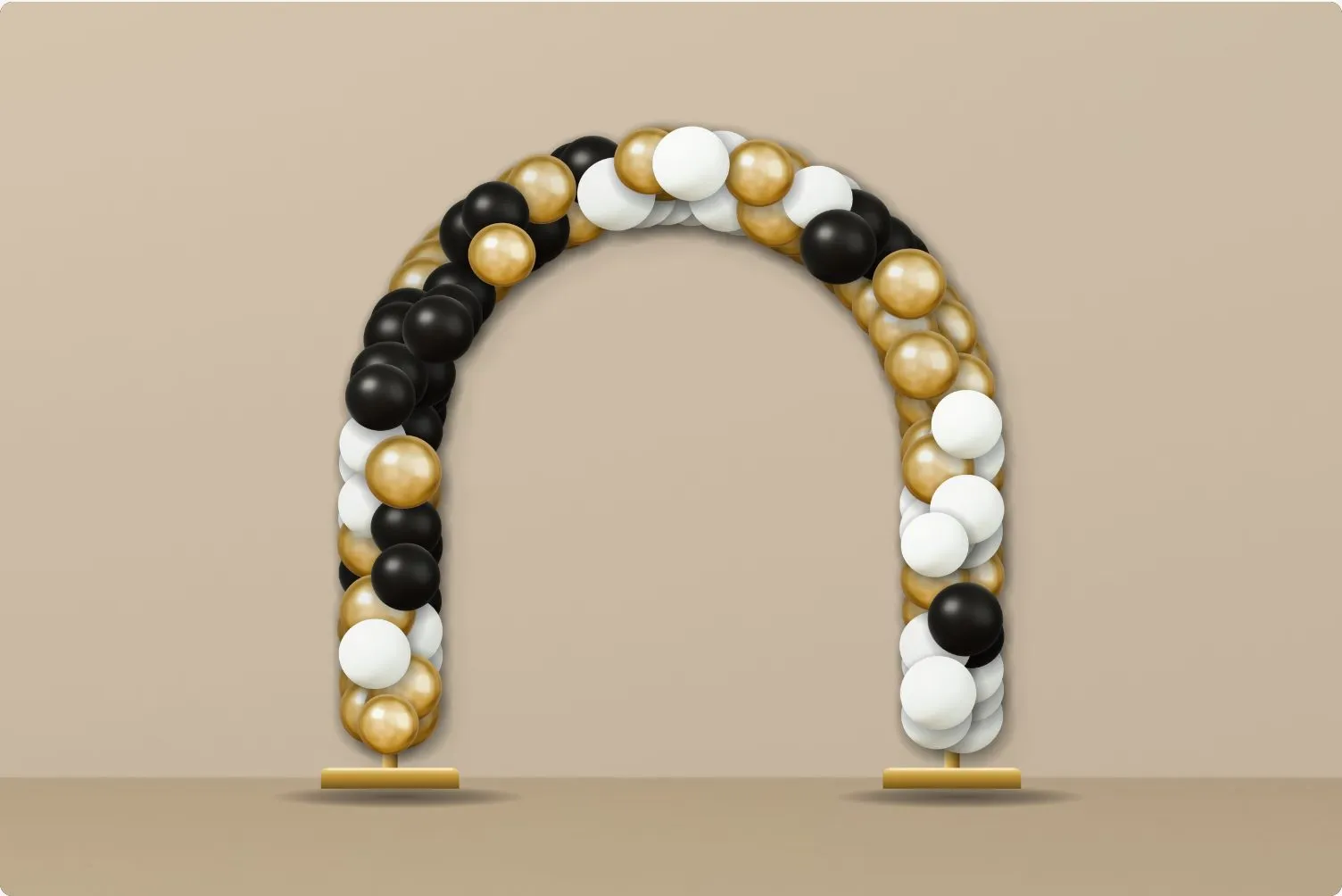
Sample full balloon arch in black, gold and white from the Balloon Builder
A sample design: a full balloon arch in black, gold and white.

Pick a backdrop style, your colors and add-ons, and see the design take shape as you go.

When to use it

When you want a backdrop for photos, the entrance or the dessert table, and want to see it before you book.

How it works

  1. Pick your backdrop style.
  2. Choose your colors and add-ons.
  3. Send us your design and we'll quote it.

What it asks: Nothing to design. To get a quote, your name, email and event date.

Open the Balloon Builder
05For the photo boothFree

Photo Booth Designer

Design the print your guests take home.

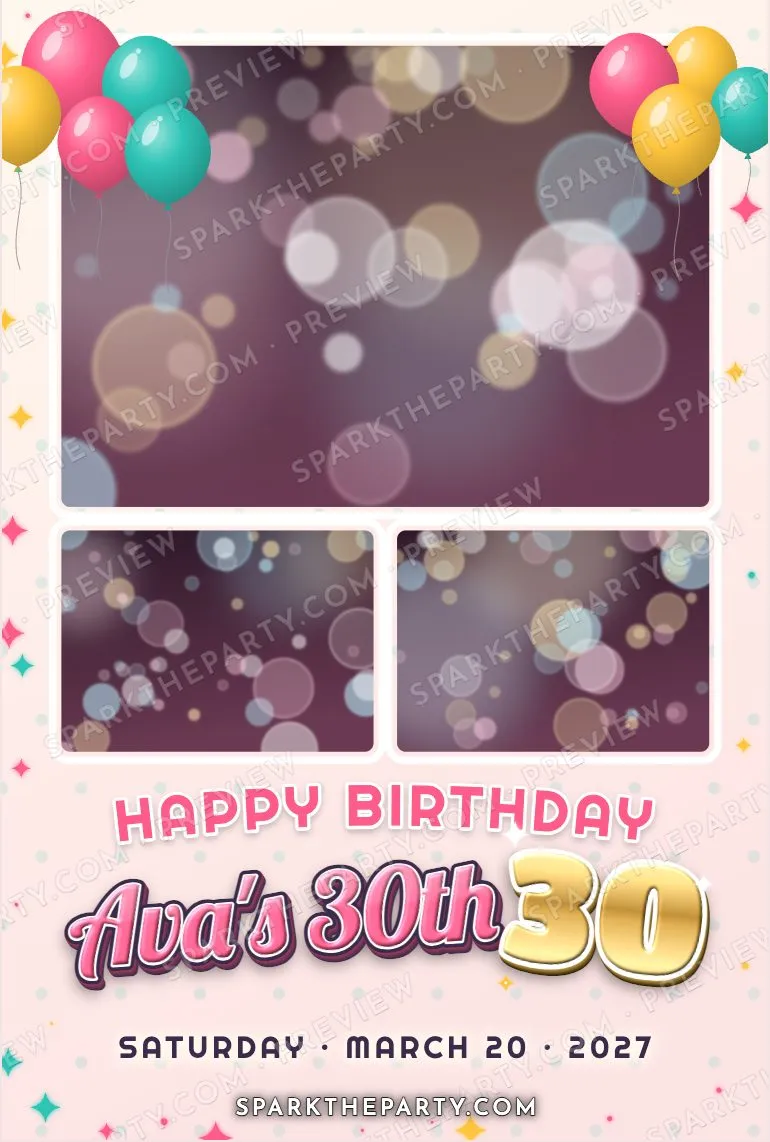
Sample photo booth print from the Photo Booth Designer: three photo spaces under balloons, with Happy Birthday and the guest's own words
A sample print: a birthday layout with your own words on it.

Try every look for your photo booth print: your words, colors, stickers and logo, live as you build.

When to use it

When you're booking a booth and want the prints to match your party, your theme or your brand.

How it works

  1. Pick your party and your booth.
  2. Add your words, colors, stickers and logo.
  3. Book Spark and we print it at your party.

What it asks: Your email, once, to open the full designer. What you see is a preview; we print the real thing at your event.

Open the Photo Booth Designer
06For your guestsFree

Play Casino Games

Learn the games before casino night.

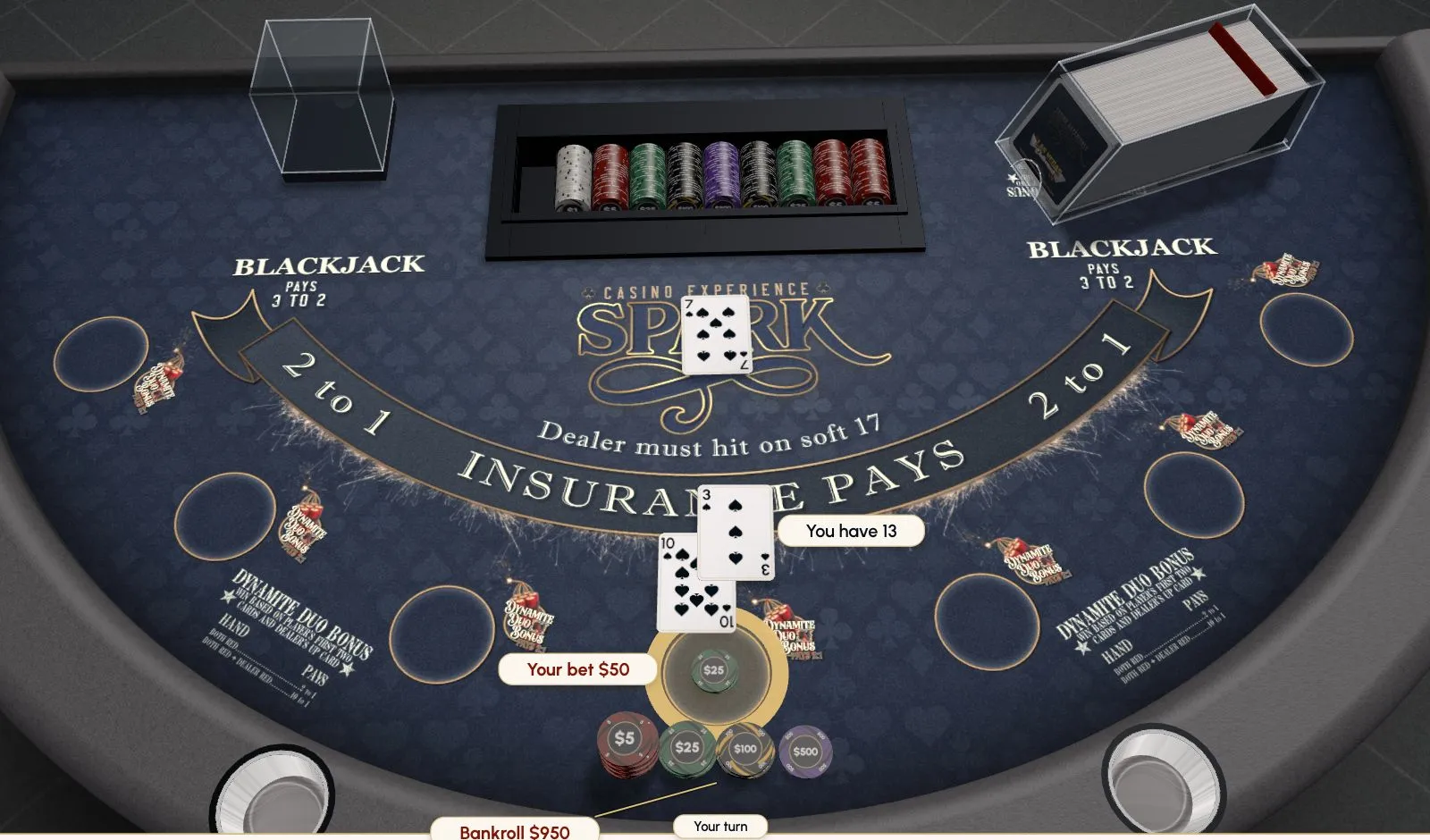
A blackjack hand in play on the Spark guest casino game, with Hit, Stand and Double buttons
A hand in play: the cards are dealt and it's your turn.

Blackjack, craps and roulette to play on your phone, for fun.

When to use it

Before a casino party, so you and your guests walk up to the tables ready to play.

How it works

  1. Pick a game.
  2. Enter your email at the door, once.
  3. Play for fun. No real money.

What it asks: Your email, once. For adults 18 and over.

Play Casino Games

What’s free, and what we ask

Every tool is free

No payment and no account. Use them as often as you like.

One email opens them all

Where a tool asks for your email, one sign-up opens every tool on this device. It also brings Spark offers and party ideas. Unsubscribe anytime. Privacy notice

Some ask for nothing

Tables in Your Room asks for nothing at all. The Balloon Builder asks for your details only when you send a design for a quote.

When the plan looks right

Send it our way. We’ll check your date and send you a real quote.

Get a Quote